
How to use SAML tracer
Prerequisites: Installing the SAML tracer add-on in the browser (FF or Chrome)
Open the browser and start the SAML tracer.
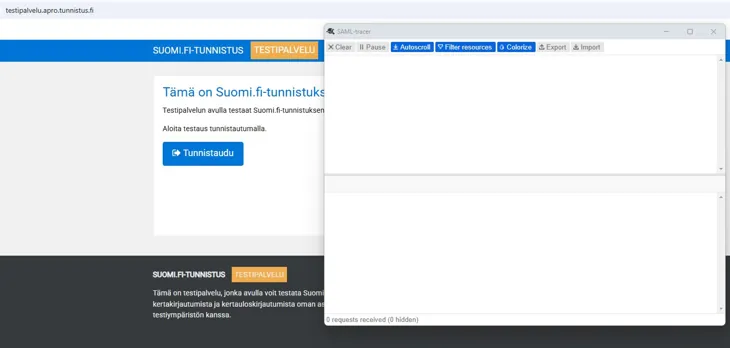
Go to the page where you can initiate the authentication request and start the authentication.
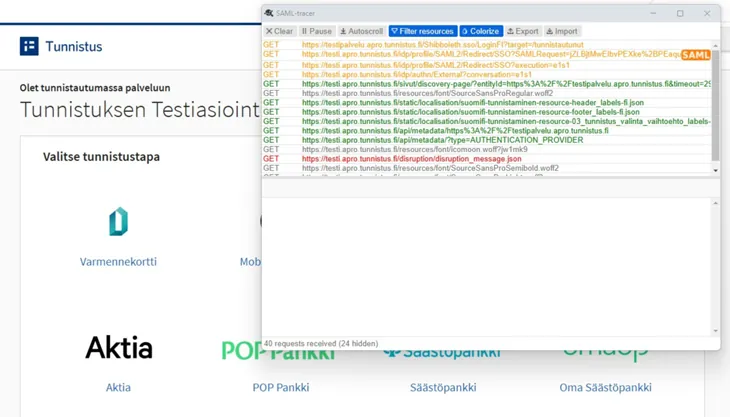
You can now monitor the browser traffic. SAML messages are highlighted with "SAML" tags.
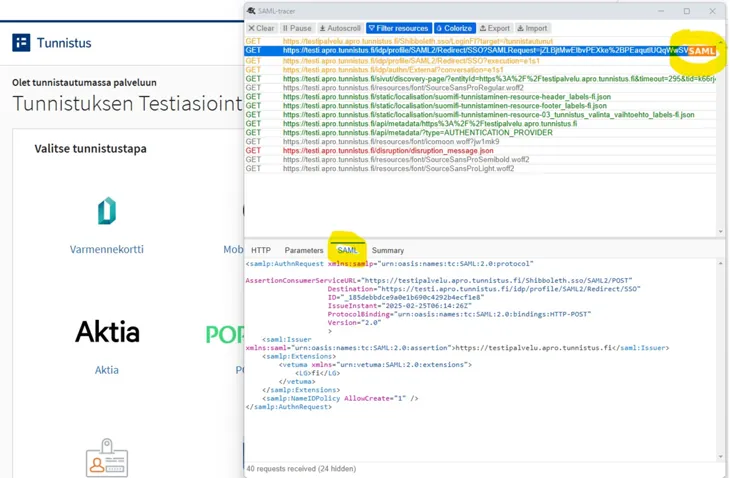
By selecting a SAML message, you can see its content in the SAML tab.
The image shows an Authentication Request in GET/Redirect form (where the SAML message part contains only some of the information, the rest can be found in the "Parameters" tab. When using the POST profile, all information is placed in the SAML part).
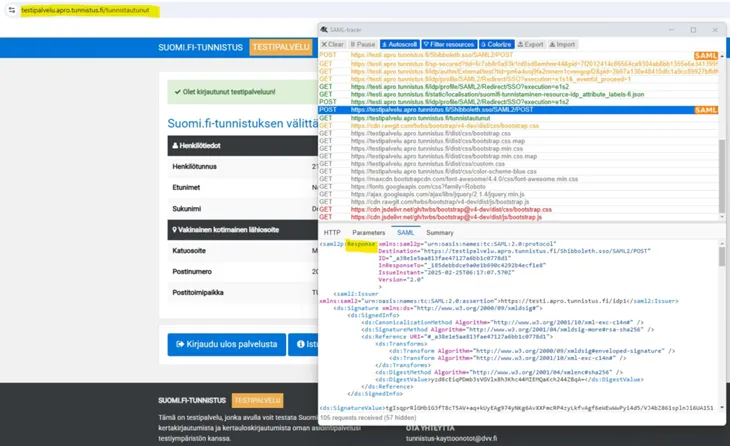
The image shows the response message, where the user's information is transmitted to the service.
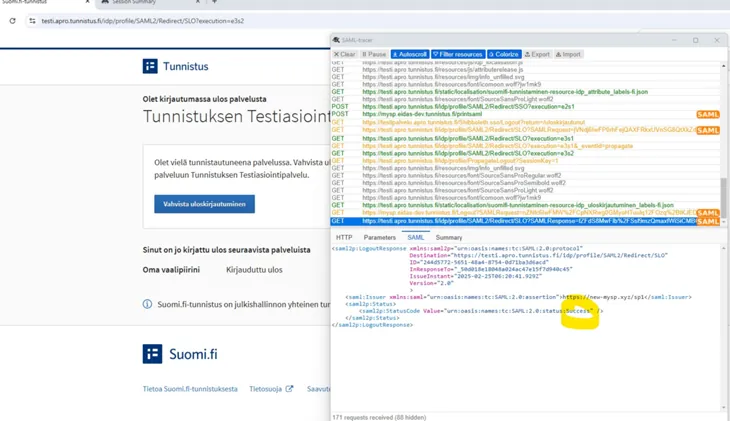
The image shows the logout response when acknowledging the receipt/execution of the logout request.
It is possible to export the logged data from the SAML tracer. This is done using the "Export" button.
It is recommended to export without masking and other restrictions, provided it is a test environment. The SAML tracer export can be sent to Suomi.fi identification onboarding for troubleshooting assistance. (Send as an email attachment to: tunnistus-kayttoonototÄTTdvv.fi, also include a description of the problem)
Updated: 25/2/2025