
Updating metadata
Follow these steps to update the Service Provider metadata:
- Log in to Suomi.fi Service ManagementOpens in a new window..
- In the Identification service, go to the service for which you want to update the metadata.
- Register a new environment for the service.
- Select the type of environment to register and upload a new SAML 2.0 metadata file. Read more about how to create a metadata file.
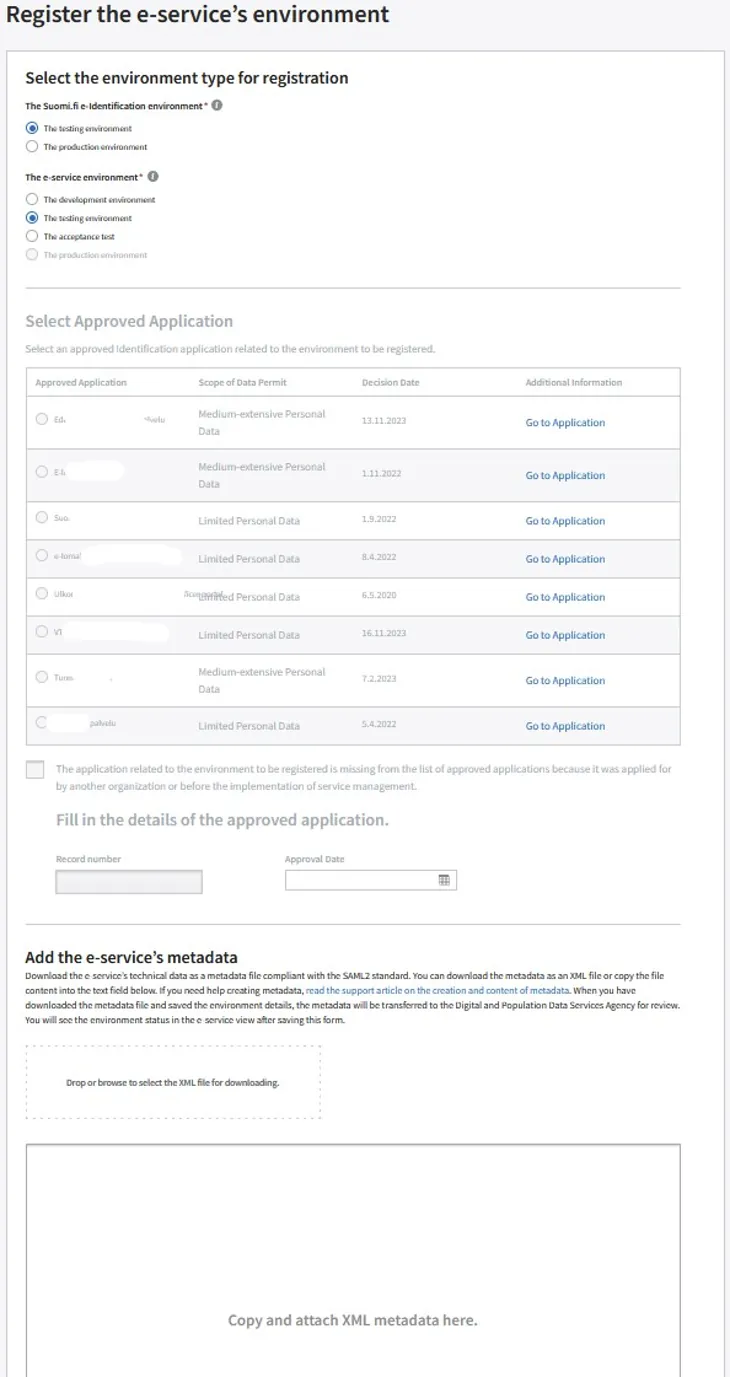
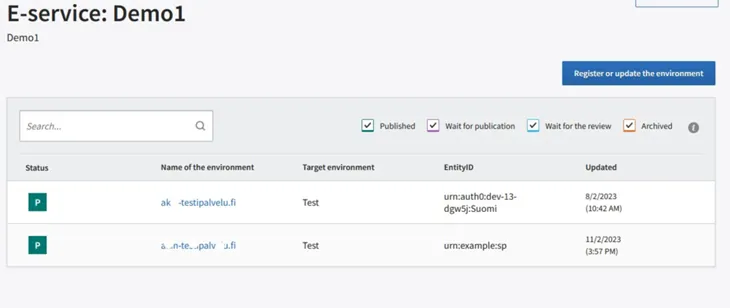
Once you have downloaded the metadata file and saved the environmental information, the metadata will go to the Digital and Population Data Services Agency for review. You can see the status of the environment from the service's view.
Updated: 3/12/2024