
Filling in the user permit application for Data Exchange Layer
Your organisation must complete and submit a user permit application before your organisation can join the Data Exchange Layer. You must fill in and send a separate user permit for both the test and production environments.
Please note the following things before you submit a user permit application for the Data Exchange Layer:
1. First, verify with your technical contact person that the following requirements have been met:
- The Security Server has been named according to the Data Exchange Layer naming instructions and its FQDN name is available in a public domain name service. Read more about how to name a security server.
- You will need the Security Server name (FQDN name) and IPv4 address for the user permit application. You can obtain these details from the person responsible for the Security Server.
- An operating system has been installed on the Security Server's Host Server. Please note that you cannot submit a user permit application before your organisation has a platform on which the Security Server software will later be installed.
2. Make sure you have the following information available for the user permit application:
- contact details of the administrative and technical persons in charge: name and email address (please note that this should be a general and permanent organisational email address)
- name and Business ID of the organisation using the Data Exchange Layer
- information about the intended purpose of using the Data Exchange Layer (Service Provider / Data retrieval)
- Security Server details from the person responsible for the Security Server: Security Server type (own, shared or outsourced Security Server), FQDN name and public IPv4 address
- the right to accept the Terms and Conditions of Use of the Data Exchange Layer
3. Register for Service Management if you have not used the service before
- If your organisation has not previously used Service Management, you must create a new organisation account. If your organisation is already registered in Service Management, you will need an invitation from another user in your organisation to become a user of your organisation's Service Management account. Read more in the Service Management instructions.
How to fill in the user permit application
Start by applying for a user permit to the test environment. When you are ready to transfer your service to production, apply for a user permit to the production environment.
- Select Fill in an application for a user permitOpens in a new window..
- Register as a Service Management user if you have not done so before. Start the registration by using strong authentication. You need a Business ID to register. For more information about registering, see the Service Management instructions. The registration can be performed by anyone from your organisation.
- Fill in the user permit application for the environment of your choice. Some of the information has been pre-filled based on the information on the customer account in Service Management. Verify that the information is correct and, if necessary, edit it.
The form is divided into four sections. Select Mark complete to mark sections completed. If necessary, you can invite other persons to fill in the user permit application, for example a technical contact person to complete the Security Server information.
When all sections are marked as complete, select Submit Application. See the list below for help filling out the form.
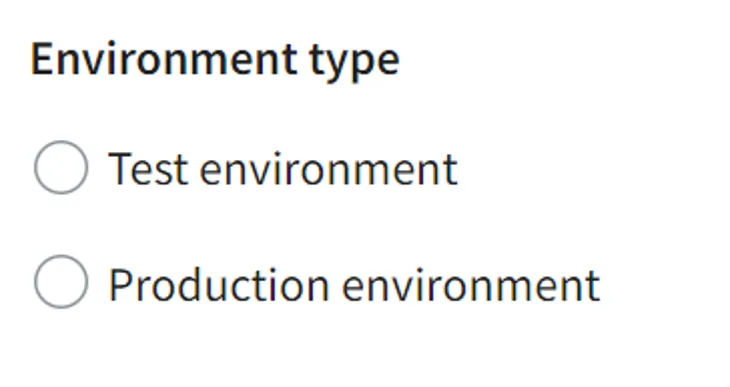
- First select whether you are applying for a permit for a test environment (FI-TEST) or production (FI). The application for a user permit is similar for both environments. Apply for a permit for the test environment first.
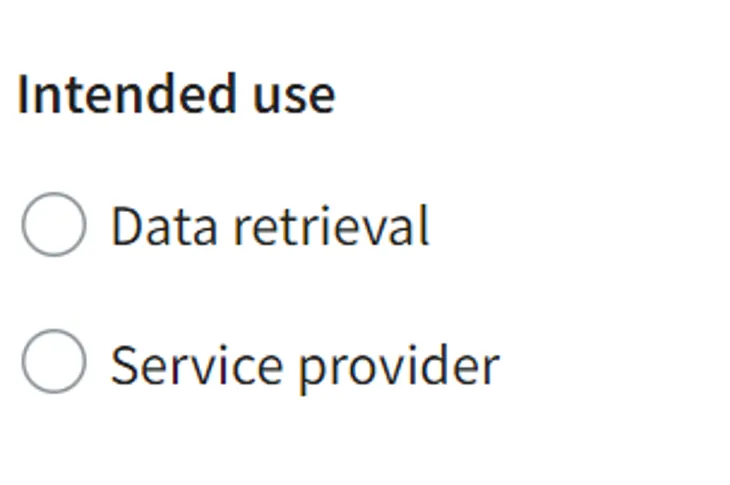
- Intended purpose of the service: If your organisation provides information through the Data Exchange Layer, select Service Provider. If your organisation plans only to use information others provide, select Data retrieval. If your organisation acts as both a service provider and a consumer, select Service Provider. The role is not binding and you can change it later without notice.
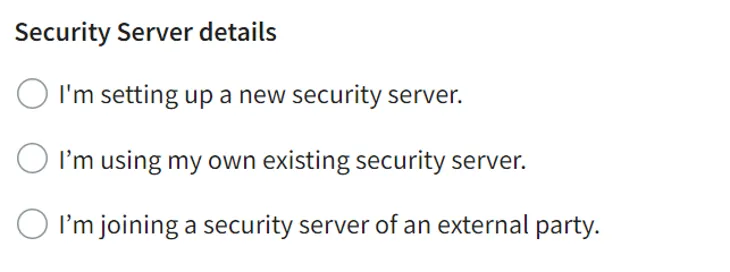
- Security Server details: Select I am joining a security server of an external party if you are joining an existing Security Server in another organisation or a Security Server provided by an external service provider.
- FQDN Name: The name of your Host Server becomes the name of your Security Server. The Security Server's FQDN name (Fully Qualified Domain Name) must be registered in a public domain name service (Whois service) before joining the Data Exchange Layer.
- The name must contain the name or official abbreviation of your organisation, and it must be written entirely in lowercase letters. Read more on how to name a security server.
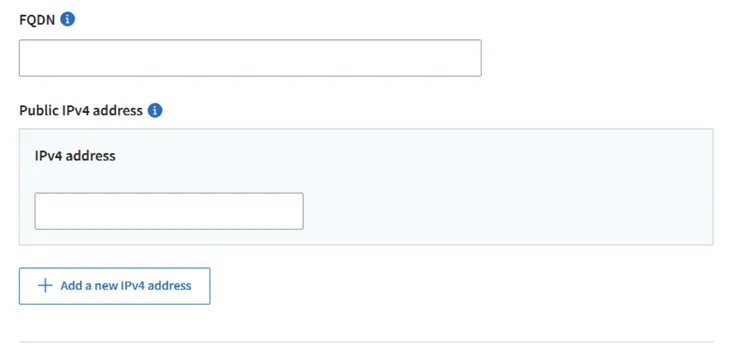
- Public IPv4 address: The public IP address of the Host server. The IP address must be static, i.e. it must not change. Please note! If there are different IP addresses for incoming and outgoing traffic, enter both in the IPv4 address field.
- API Catalogue administrator's details: The API Catalogue administrator is responsible for describing the services connected to the Data Exchange Layer in the API CatalogueOpens in a new window..
- Accept the terms and conditions: Once all other sections have been marked as complete, accept the Suomi.fi services user permit and the Terms and conditions of use of the Data Exchange Layer (terms and conditions available in pdf-format below). Please note that you must have a permission to accept the Terms of Use in your organisation. If necessary, ask another person to accept the terms and conditions.
Suomi.fi Data Exchange Layer Terms and Conditions of Use (PDF, 473.41 kB)Opens in a new window.
The processing of a user permit application usually takes a few days. Once the application has been processed, you will receive installation instructions for joining the test/production environment
from palveluvayla@palveluvayla.fiOpens in a new window.. If the form contains errors or problems, the Data Exchange Layer administrators may ask you to make changes to the Security Server.
Invite other persons to fill in the user permit application
You can invite members of other organisations to fill in your organisation’s user permit application by sending an email invitation. For example, this allows a technical operator to complete the Security Server information. To do this, you need administrator privileges.
- Make sure that a member of the organisation has registered for Suomi.fi Service Management. If necessary, ask the user to register.
- Invite the user to join your organisation following Service Management's instructions.
- Once the user has registered, give the invited user the access rights to the Suomi.fi Data Exchange Layer. Read more about user management in Service Management's instructions.
After this, the invited user can also fill in your organisation’s user permit application.